AI photo restoration
Your old photo, repaired and in color.
Upload a scan or a phone photo of the print. Tears, stains and fading are repaired, and black-and-white comes back in color — in about a minute.
Free during early access · 2 restorations a day
or drop the photo anywhere on this page
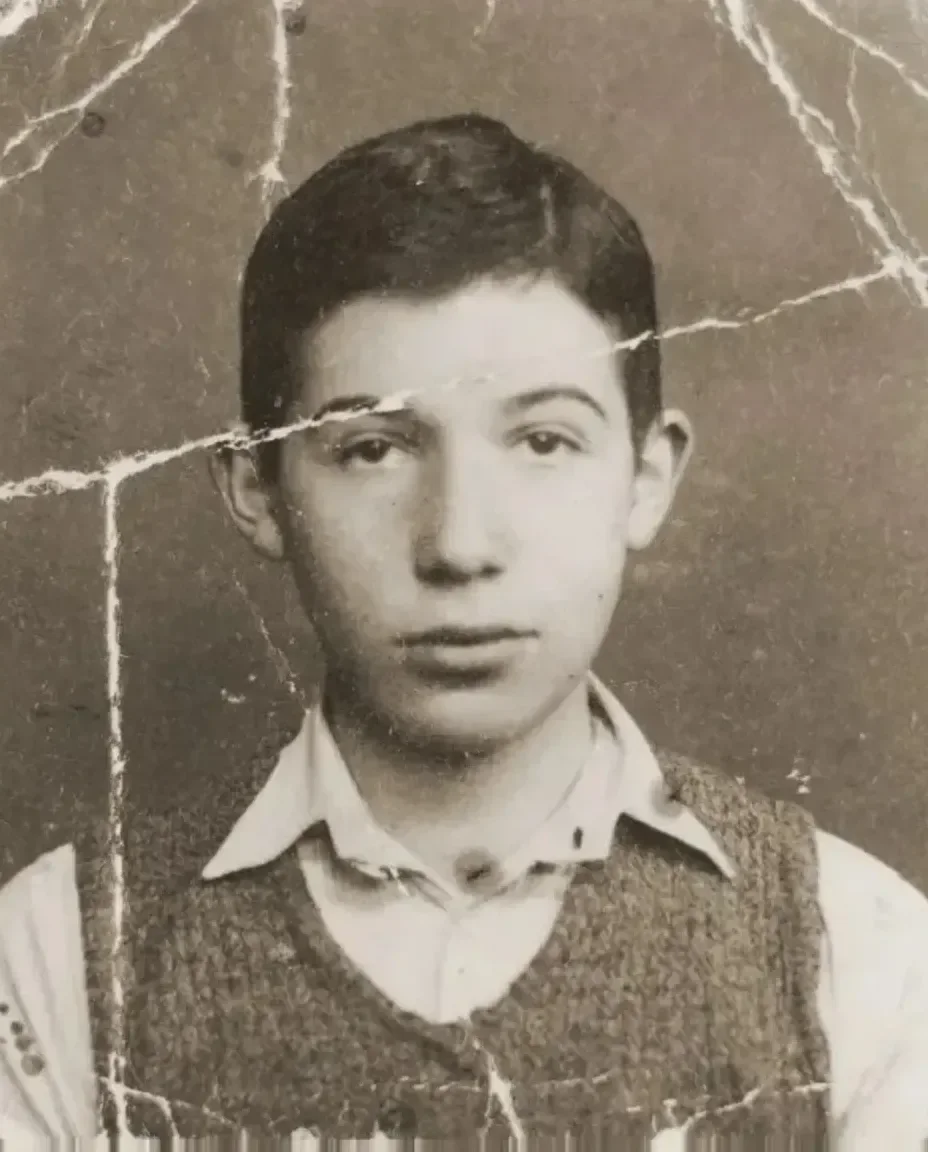
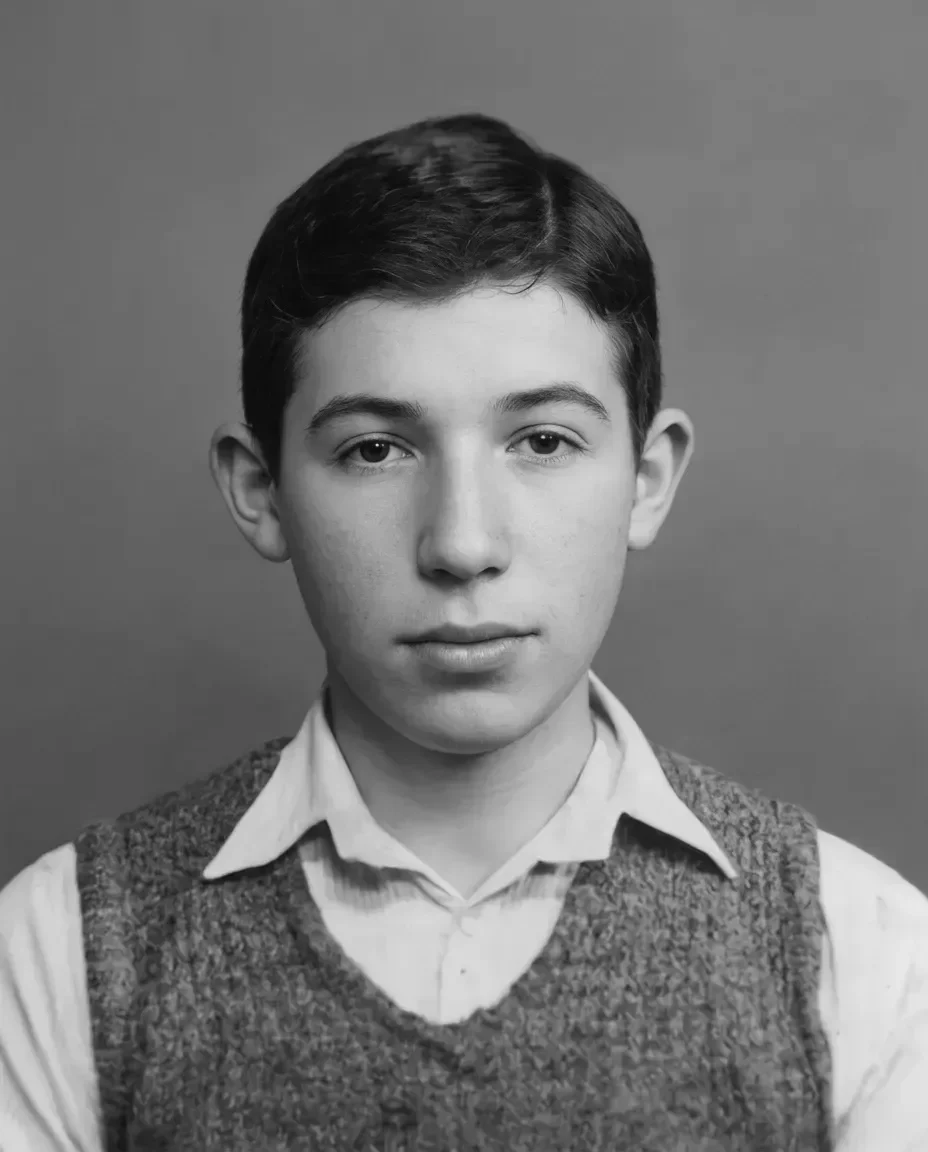
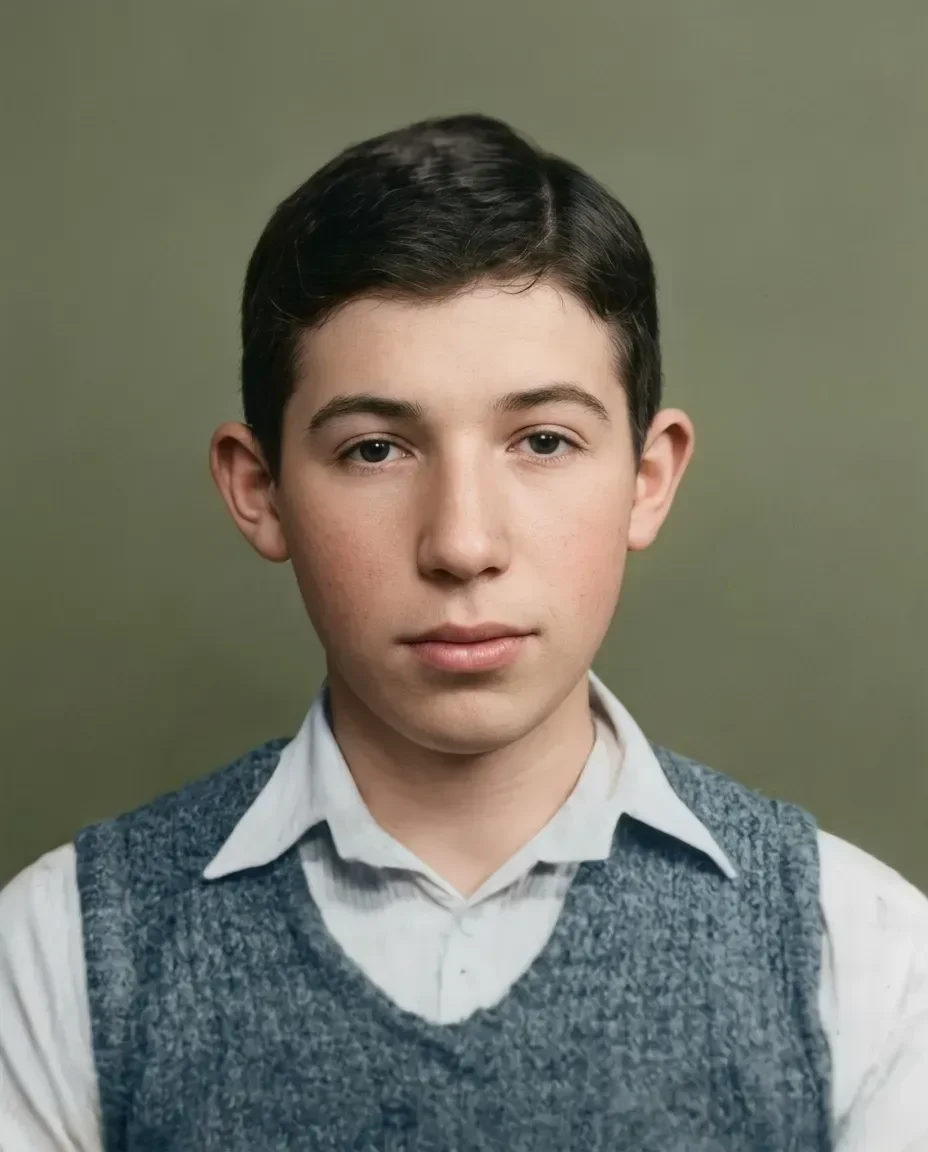
Three photographs, three kinds of damage.
Drag the line across any of them and compare the damaged print with what came back.
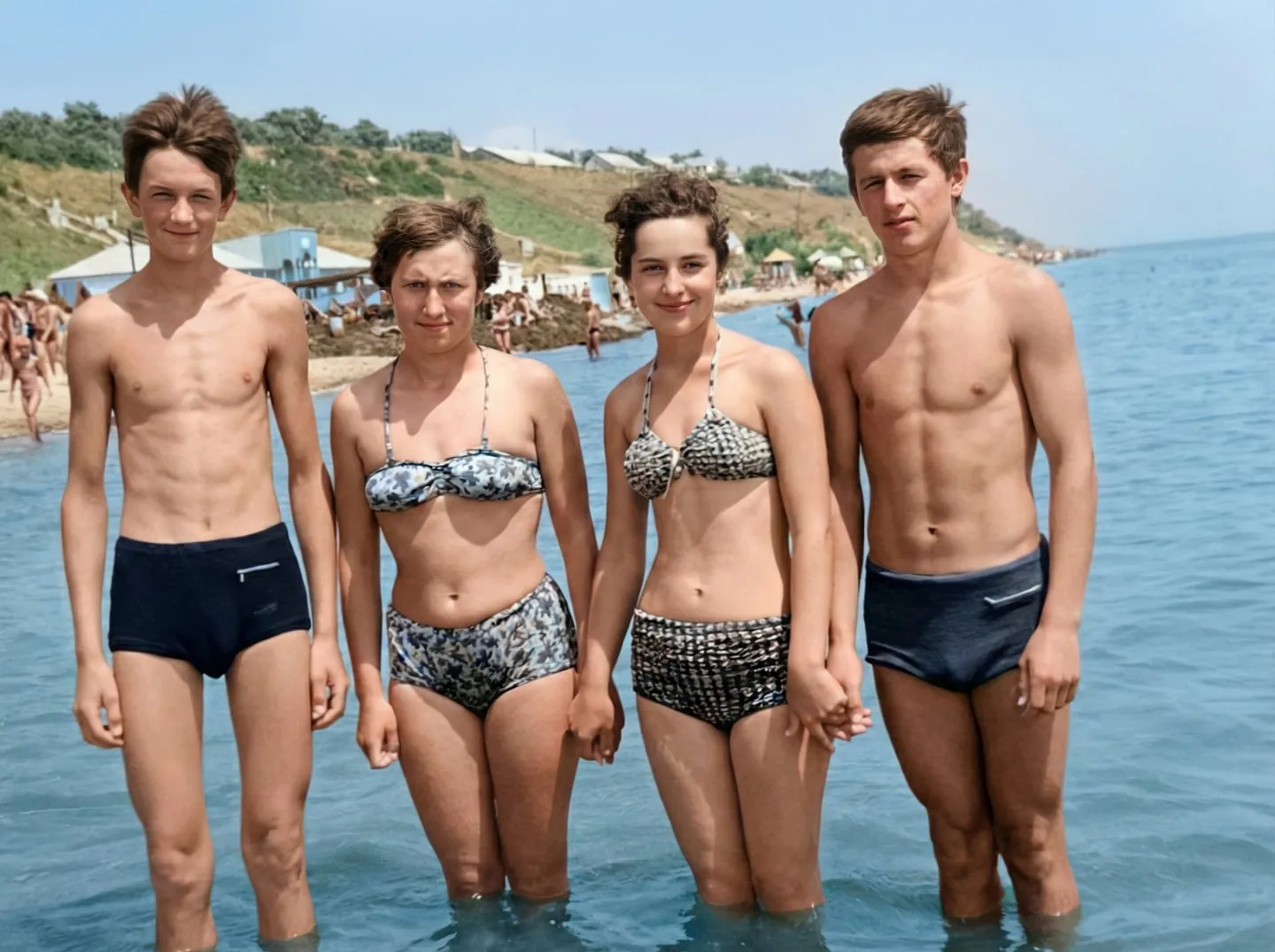
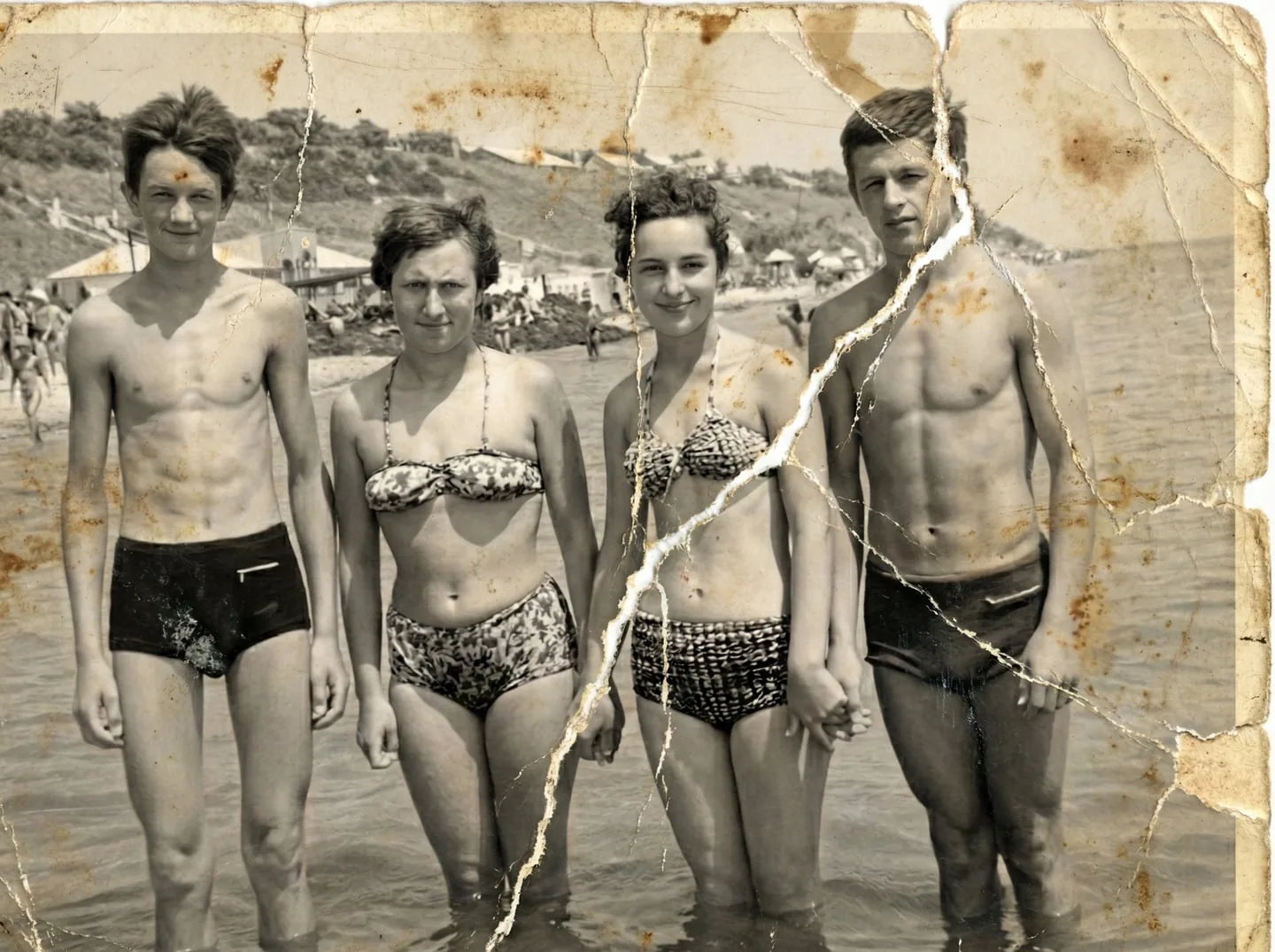
Torn across the middle
The print split along a fold and picked up brown stains. The tear is closed, the stains are gone, and color is added.
Restoring damaged photos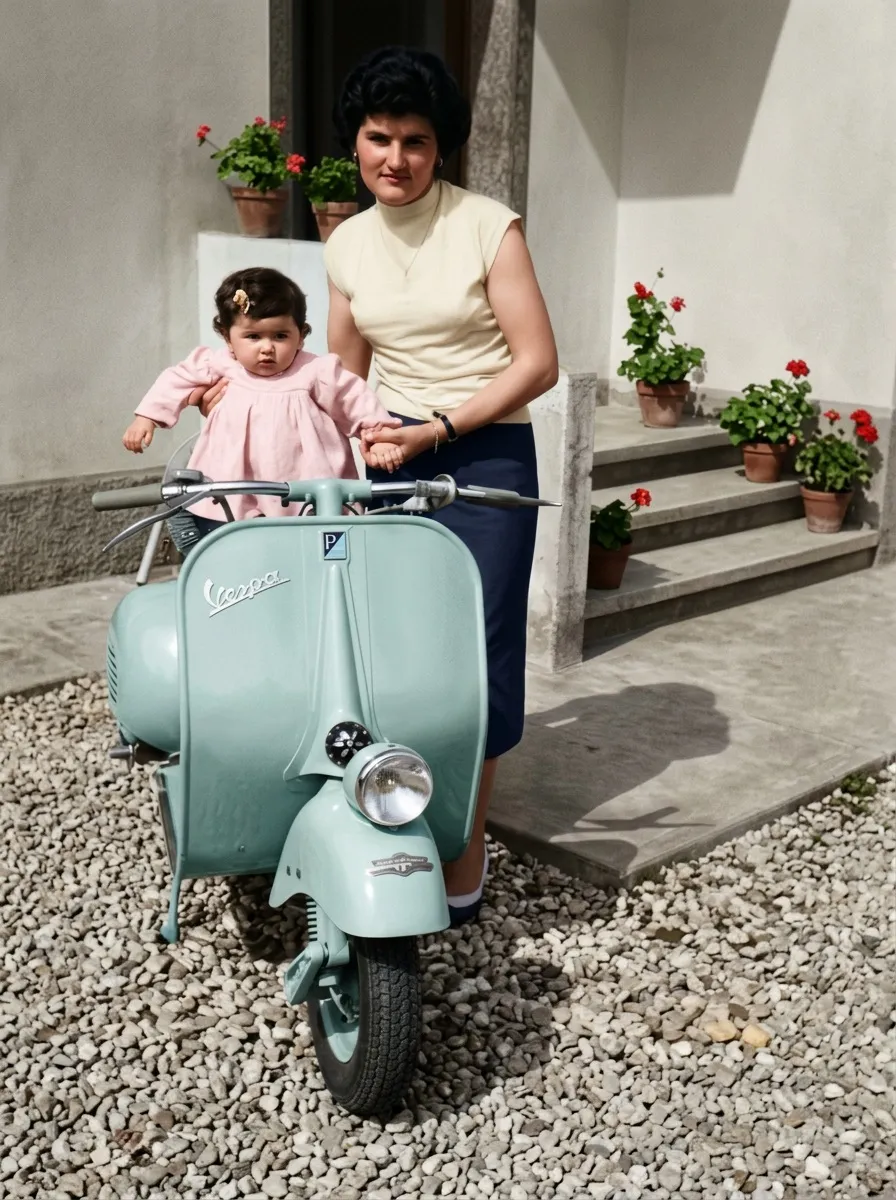
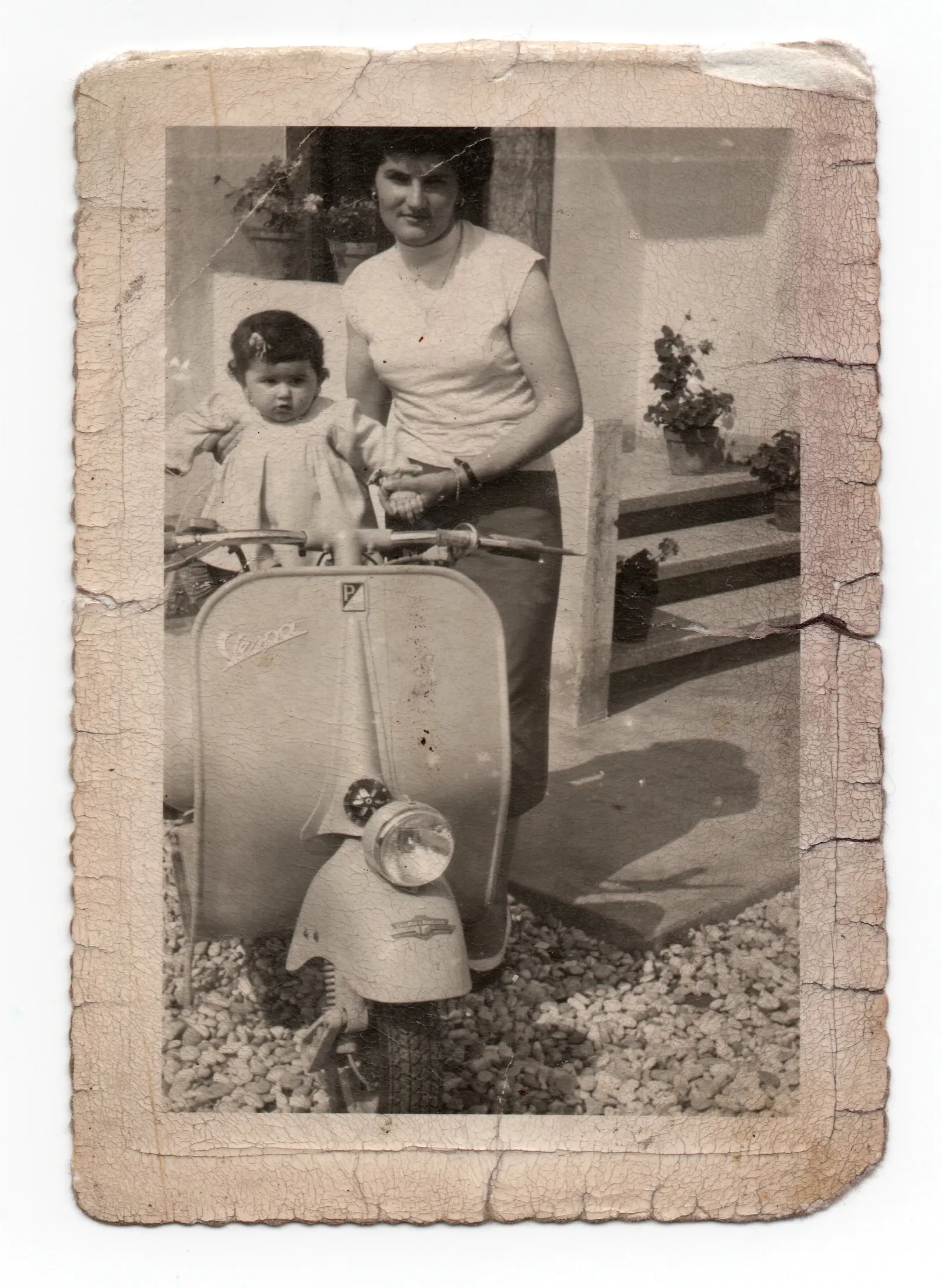
Black-and-white
Color is added. It is inferred, not recovered: nothing in a black-and-white print records the real shades.
About colorization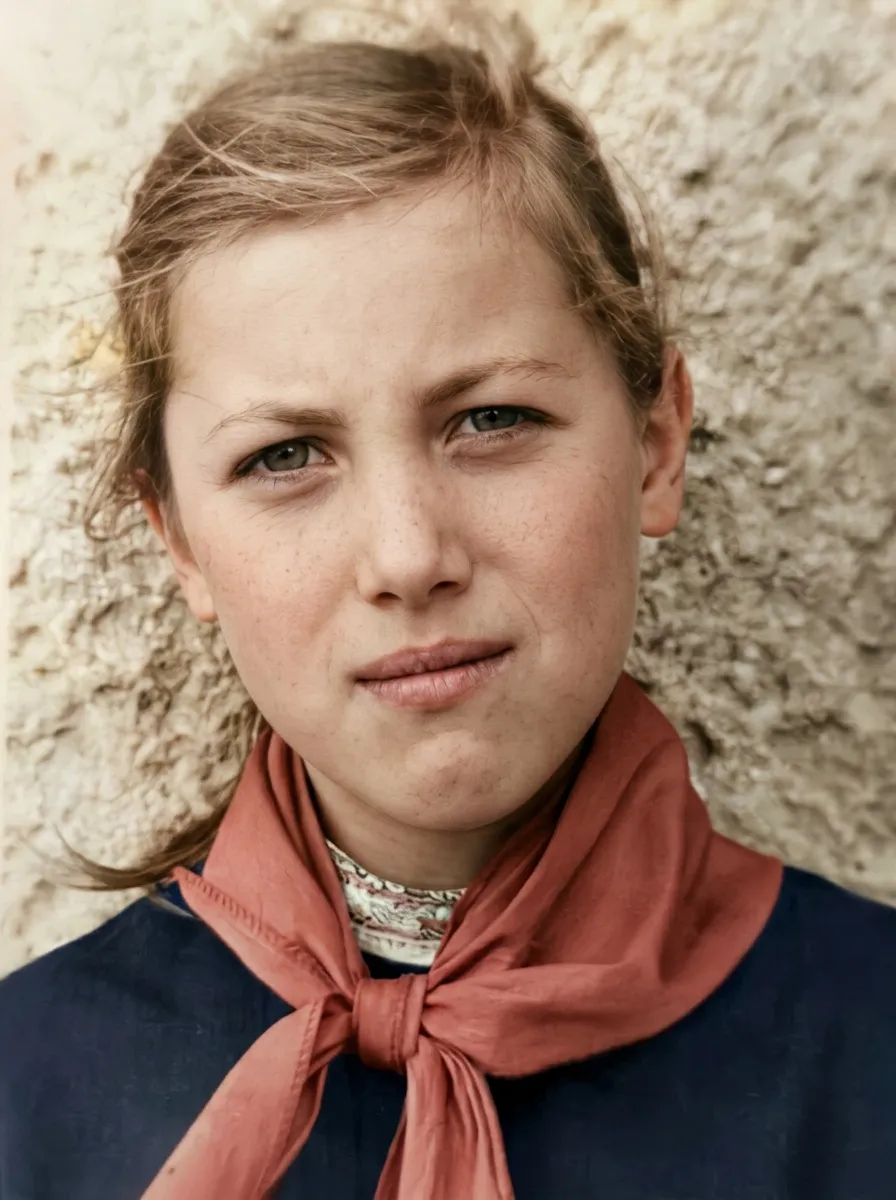
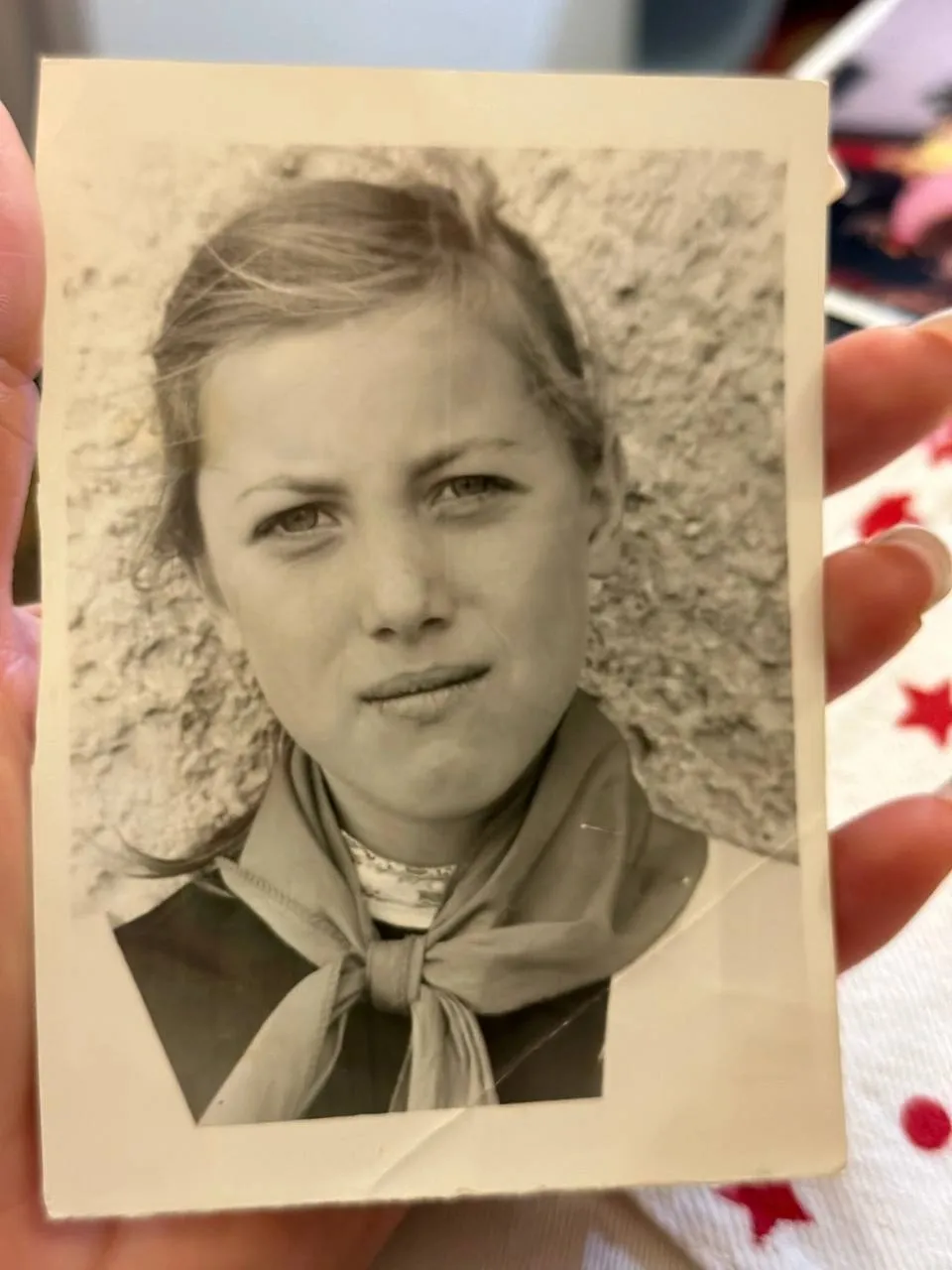
Photographed in a hand
A phone photo of the print is enough. The fingers and the cloth go, and the photograph is straightened.
Phone photos and blurThree steps, about a minute.
Upload a scan
A phone photo of the print works too. JPG, PNG or HEIC, up to 25 MB.
Watch it restored
Scratches, creases and fading are repaired. Black-and-white and sepia come back in color.
Download it free
During early access the restored photo costs nothing — two restorations a day.

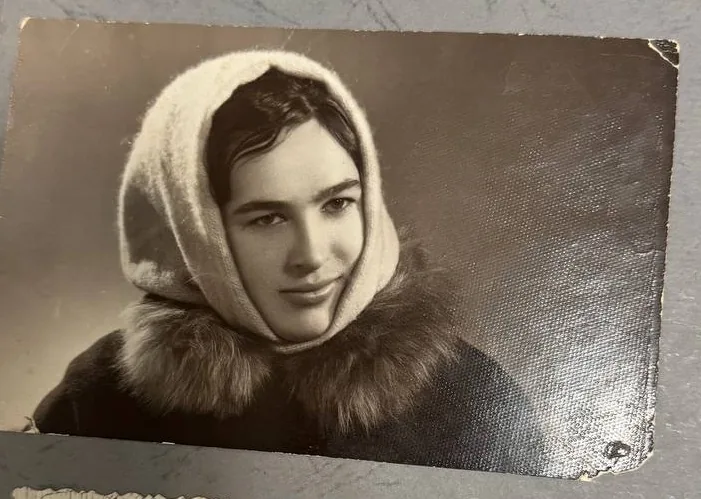
Example: what the analysis notes
- photographed on a table or in a mount
- black-and-white — color inferred
You see it, then you decide.
The restored photo opens over your original, with a line to drag between them. Look at the eyes and the mouth first: if a restored face stops being the same person, it shows there.
- Compare the result with your original on the slider.
- Upload the photo again for a new version — results differ between runs, within the daily limit.
- On a group photo, check every face: likeness holds best on a single face.
Who is behind it.
Epoha is run by one person, Yevhen Kravchenko, a sole proprietor registered in Ukraine. The examples on this page are photographs Epoha has the right to publish; photos uploaded to Epoha are never shown here.
Alongside the tool — a series of famous public-domain photographs, restored and told in full.
Questions people ask first
What photos can be restored?
Scanned prints and phone photos of prints: scratched, torn, creased, faded, water-damaged or blurry. Black-and-white and sepia photos come back in color.
How long does it take?
About a minute for most photos. You stay on the page and watch the result appear.
Is my photo private?
Your photo is processed only to produce your restoration and is not used to train models.
What does it cost?
During early access restoration is free — two restorations a day. When paid restoration opens, you will pay per photo, only after you have seen the result: no subscription and no credit packs.
Bring one photograph.
A scan or a phone photo of the print — see it restored in about a minute.
Free during early access · 2 restorations a day